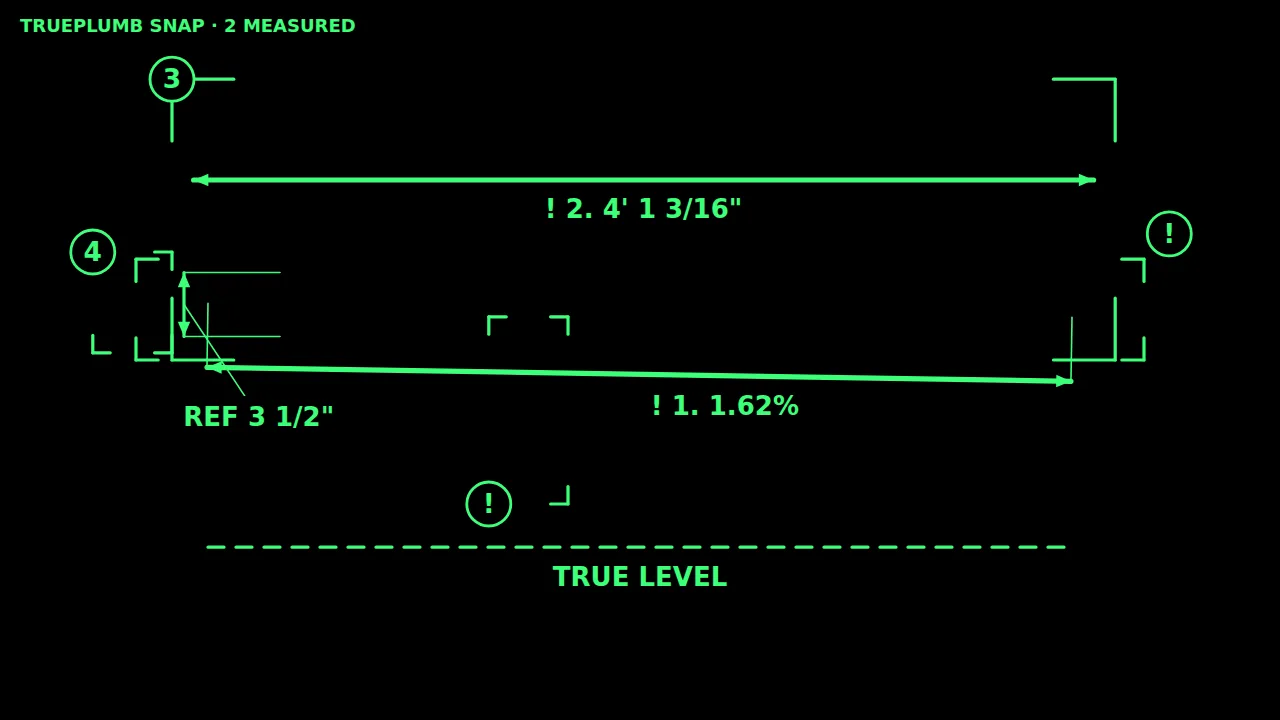
Snap the rough-in.
Check it before the drywall goes on.
TRUEPLUMB SNAP turns a phone photo of plumbing into measured lines, AI notes on what to look at, and a report you can send. Built in British Columbia for plumbers and inspectors.
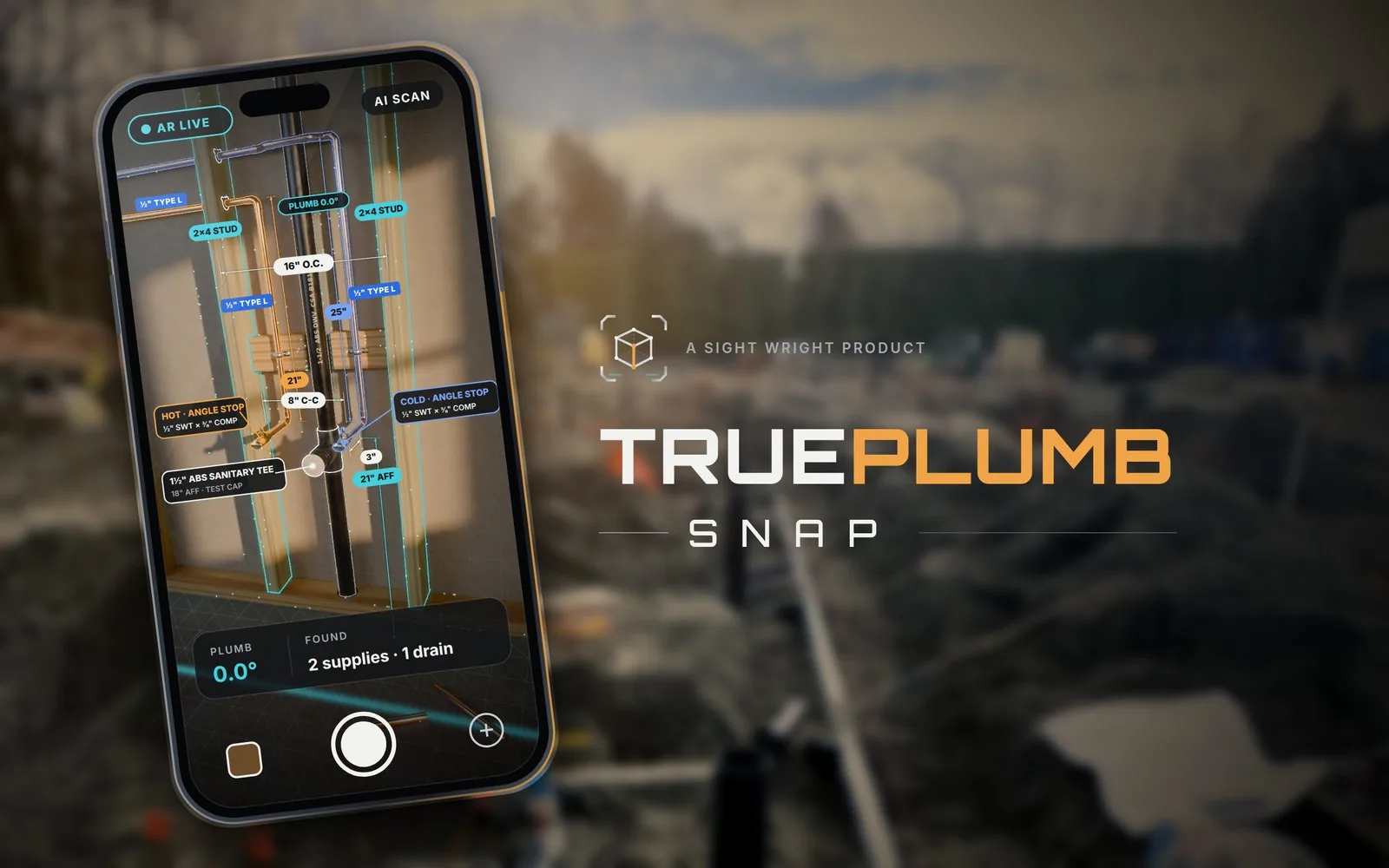
Three steps, on the phone you already carry
Take one photo
Photograph the rough-in. The photo is shrunk on the phone before upload and stays untouched: everything the app adds is drawn over it, never into it.
Mark what matters
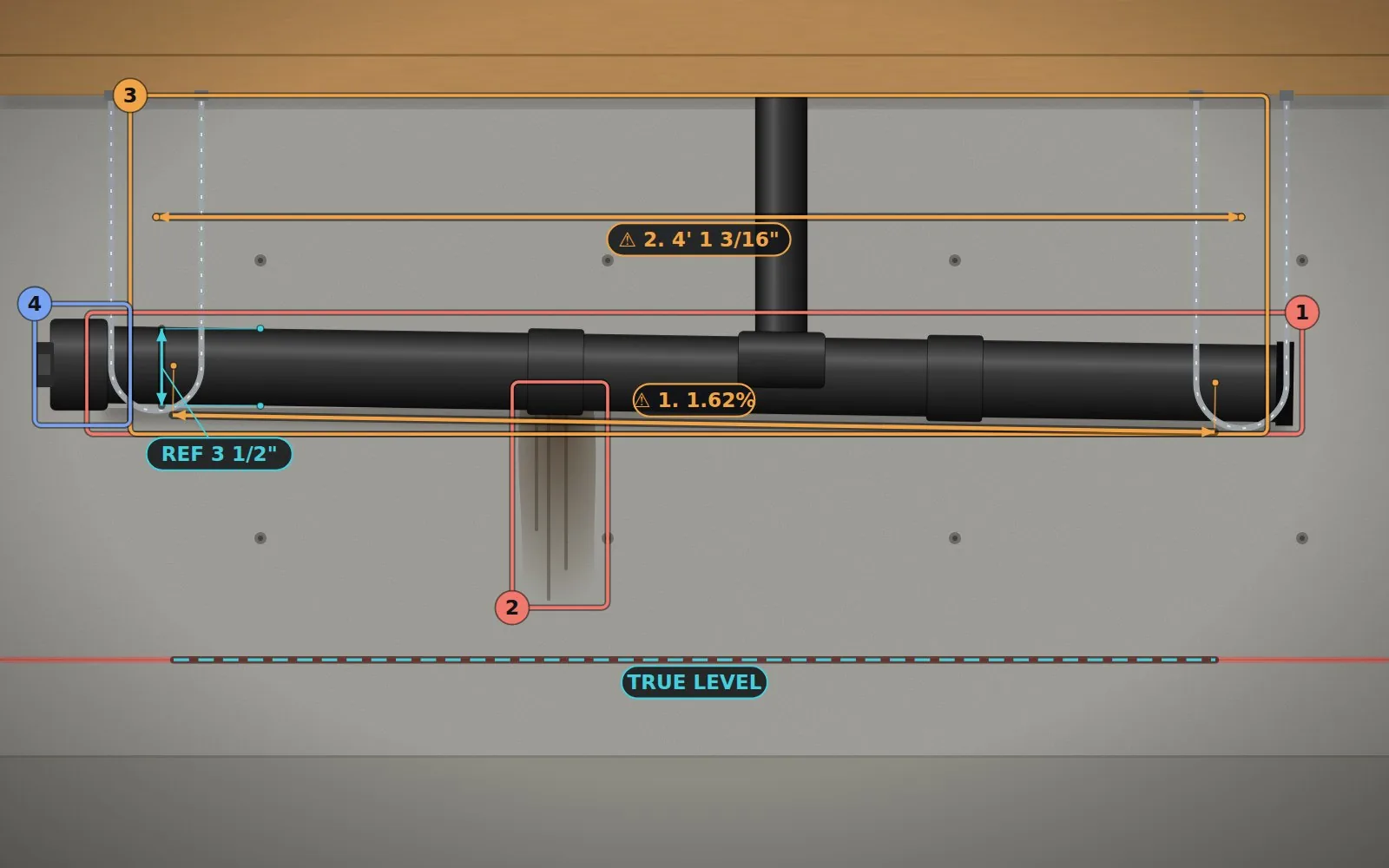
Set the scale from a pipe of known size or a tape, then drag line ends onto the exact edges. Tap four corners of a stud bay to correct for the angle the photo was taken at. Every result shows its measuring error.
Compare, then decide
Slope, support spacing and vent height are compared with a checklist from the plumbing code, and an AI note points at anything worth a second look. You or the inspector decide accept or flag.
Measurements you can check, not just trust
- Feet and inches on the photo, the way a tape reads; millimetres beside them in the report.
- Warnings carry a symbol as well as a colour, so they read on any screen and to anyone.
- Perspective correction from four tapped corners of a known rectangle.
- A report you can copy, and a DXF file for AutoCAD with the measurements on their own layers.
- Every AI note is labelled AI-generated and can be dismissed with one tap.
Accuracy depends on the photo and the reference, and is still being validated on site. The app shows the error from tap precision next to every number.
Glasses designed around the safety rules, not bolted onto them
The same measurements, shown in the corner of your view while your hands stay on the work. The design starts from WorkSafeBC's eye-protection rules: the display is never the eye protection, nothing clips onto other safety glasses, and nothing drills into a hard hat.
In design · nothing certified yet